 TeamArc
Every player’s story, remembered.
Coach what you see. TeamArc™ remembers it.
Notice it at practice and say it on the way to the car, or type it. TeamArc files it under the right player and keeps it with their plan, and families see only what you choose to share.
Family member? Download the app and use the invite from your coach. Coach? Download the app and start your team, or email us and we’ll set it up with you.
Running a club? See TeamArc for clubs
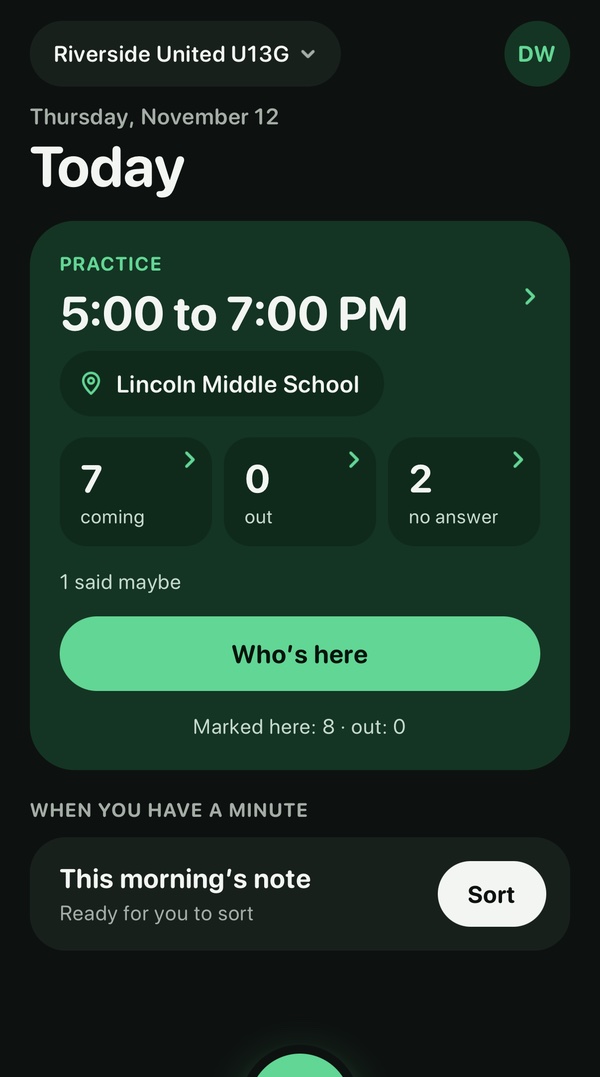
A season in under two minutes
How it works
From what you notice to what families see.
Notice something at practice. Say it on the way to the car, or type it. TeamArc splits it up by player, you check it, and nothing reaches a family until you send it.
-
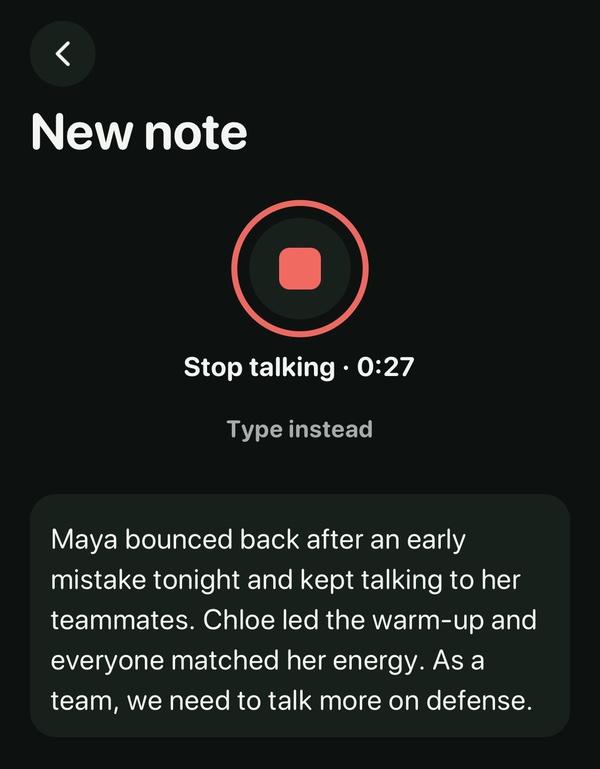
CaptureTalk the way you already do, or type. On iPhone, speech becomes text on the phone.
-
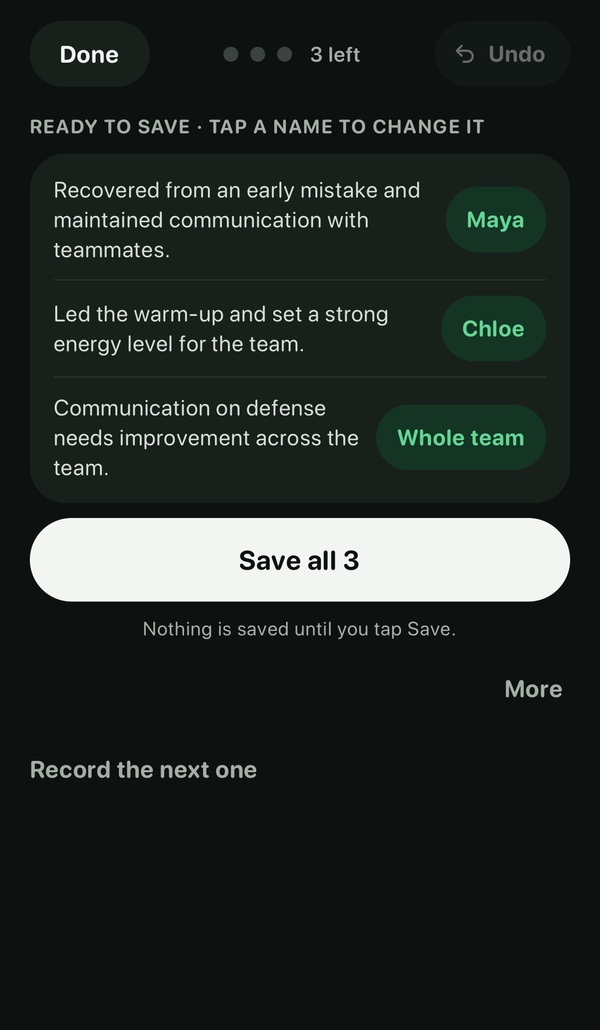
ReviewCheck where TeamArc filed each part before anything is saved.
-
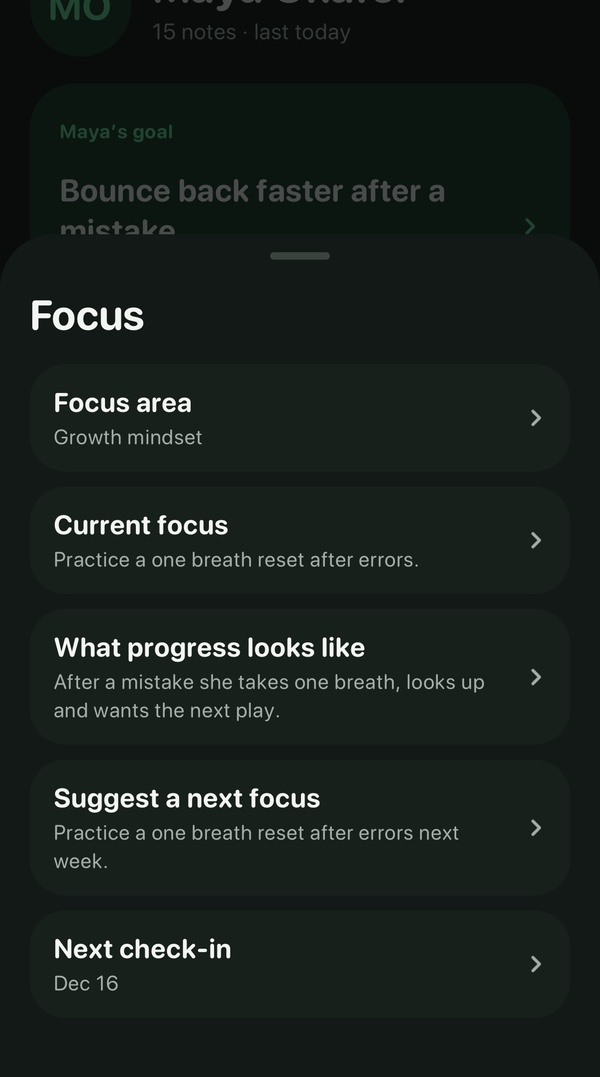
PlanKeep a goal and a current focus for each player.
-
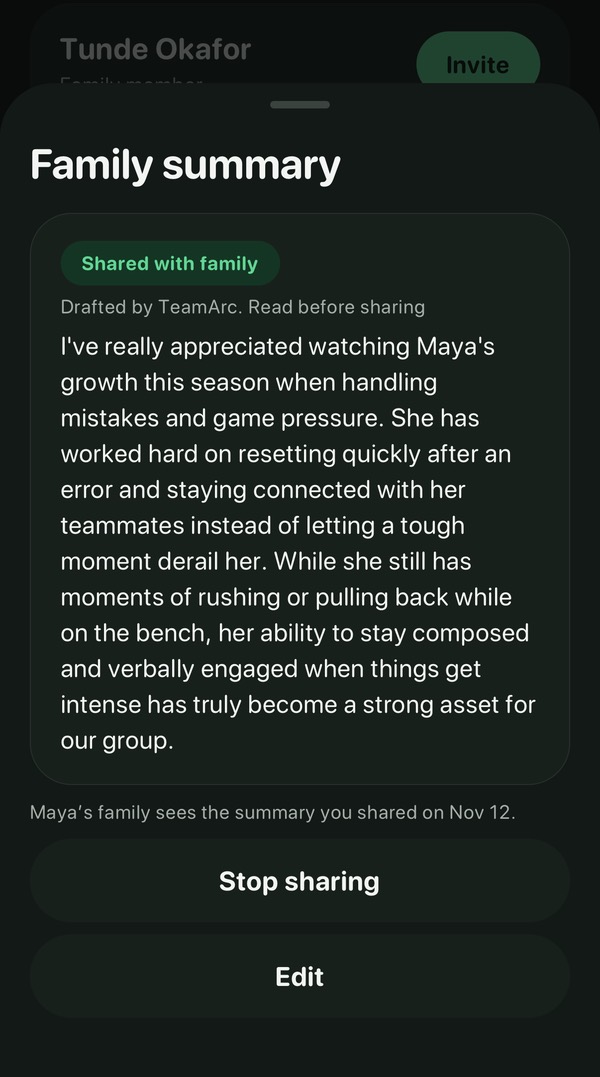
ShareYou choose what each family sees, about their own player.
One app, two sides
Coaches and families download the same app, and each sees only what they need. The coach side is for running the team: notes, each player’s plan, the schedule. The family side shows what the coach shares about your own player, what’s coming up, and team news.
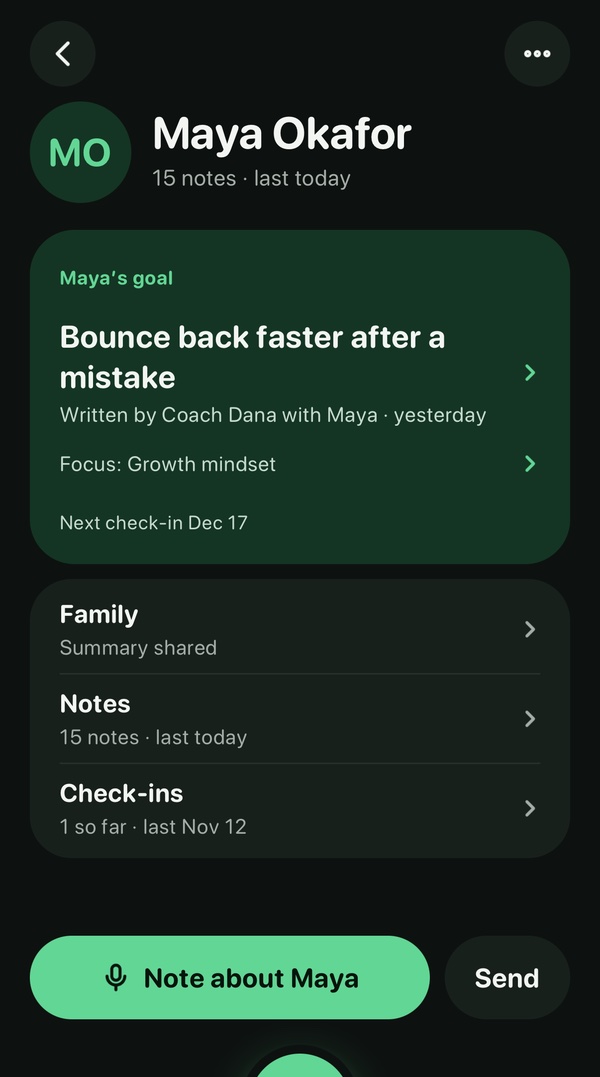
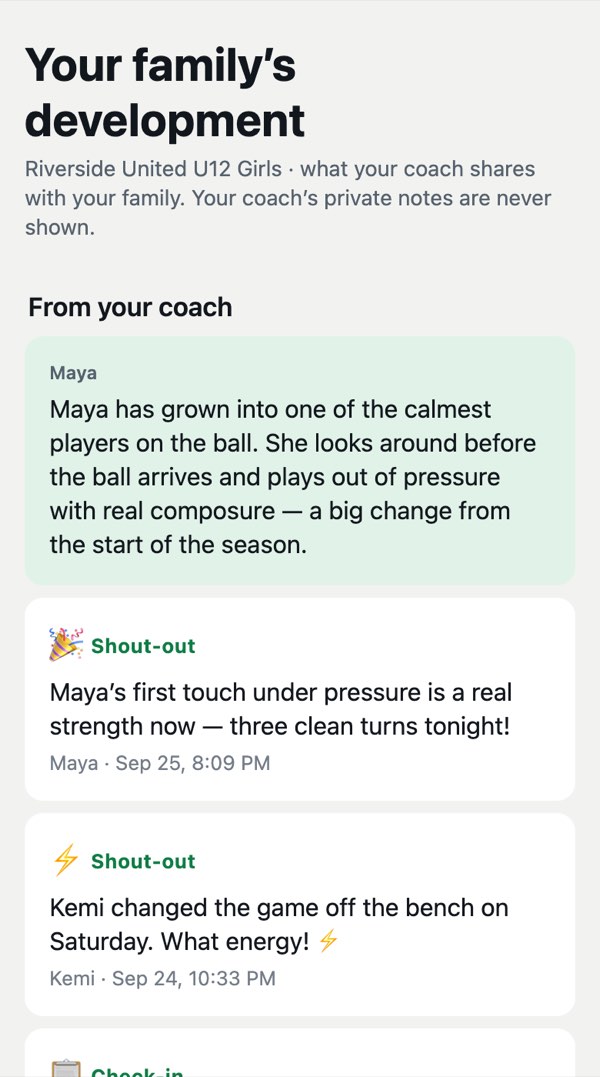
Shown here with the coach side in dark and the family side in light. Everyone picks their own look in Settings.
Who it’s for
For coaches
Your notes in your own words, a plan for each player, and the schedule in one place.
Take the coach tour →For families
Updates about your player, the schedule and team news, straight from the coach.
See the family view →For clubs
What your coaches learn about each player is kept on their page, not in one coach’s head.
See TeamArc for clubs →Running a tryout or a camp? Tryouts are in early access.
Our promises
- Your child’s record is yours. You see what the coach shares, and a parent or guardian can get a copy or ask us to delete it.
- Coach notes stay with coaches.
- You choose what families see.
- No ads, and we never sell personal information.
Want it for your team?
I’m a coach
Download TeamArc, tap “Team staff”, then “New coach? Start a team”. Rather set it up together? Email hello@getteamarc.com.
Get it on the App Store →I’m a family member
Your coach decides which app the team uses. Send them a short note about TeamArc.
Write to your coach →I run a club
We’ll show you a season with a made-up team and put together an offer for your club.
See TeamArc for clubs →The note to your coach opens as an email, ready to edit. You add their address.
Rather talk it through first? Book a 20-minute call.
Nothing Starts Over.