Updates, shout-outs and check-ins.
When the coach shares something about your player, it’s here, with a notification if you turn them on. When the coach chooses, you’ll also see check-ins on what your player is working on.
 TeamArc
For families
Parents, grandparents and guardians join by invitation from the coach, for their own player.
When the coach shares something about your player, it’s here, with a notification if you turn them on. When the coach chooses, you’ll also see check-ins on what your player is working on.

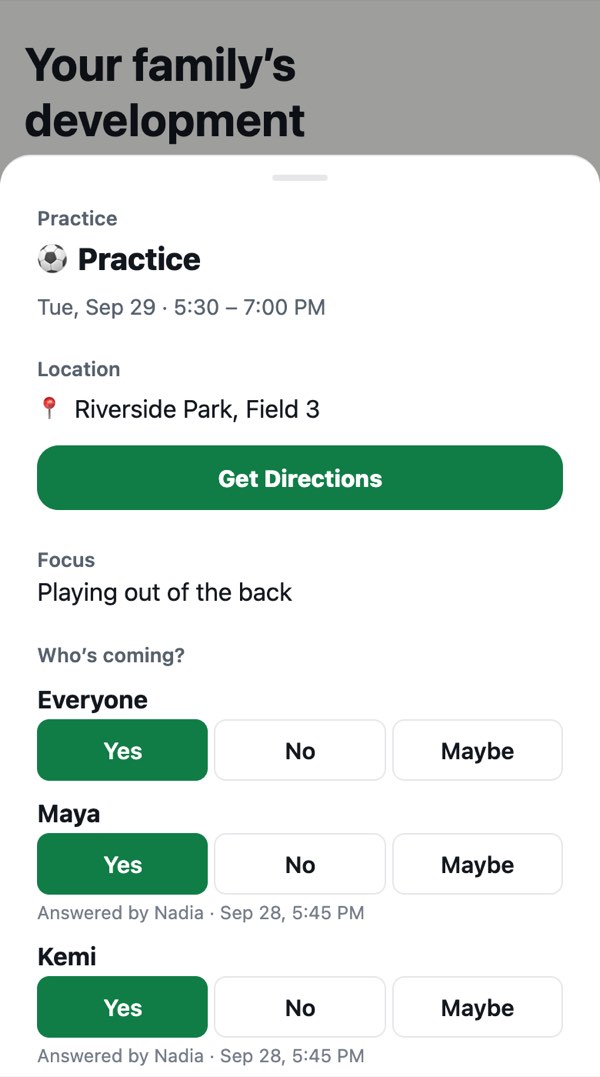
See what’s coming up, answer yes, no or maybe once for everyone in your household, and add the schedule to your own calendar.
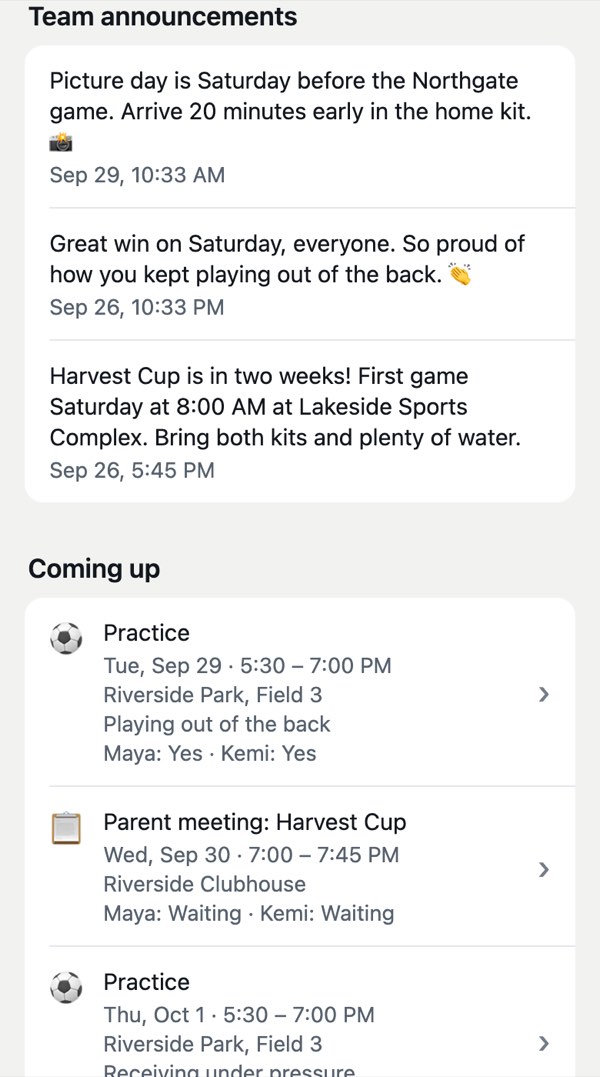
Picture day, a field change, a tournament reminder: the coach posts it once and every family sees it.
You can always see what the coach shares, get a copy, or ask us to delete it. You see what the coach shares about your own child: never another family’s child, and never the coach’s private notes. Our promises →
Your coach sends an invite code. Open TeamArc, tap “I’m a family member” and enter it. Codes last 7 days; if yours has expired, ask your coach for a new one.
Age restrictions apply. For now, players use TeamArc through their family member’s account, where they can see their own updates and goals.

Families join through their coach. Want TeamArc for your team? Write to us and we’ll help get your coach started.
Email hello@getteamarc.comNothing Starts Over.