 TeamArc
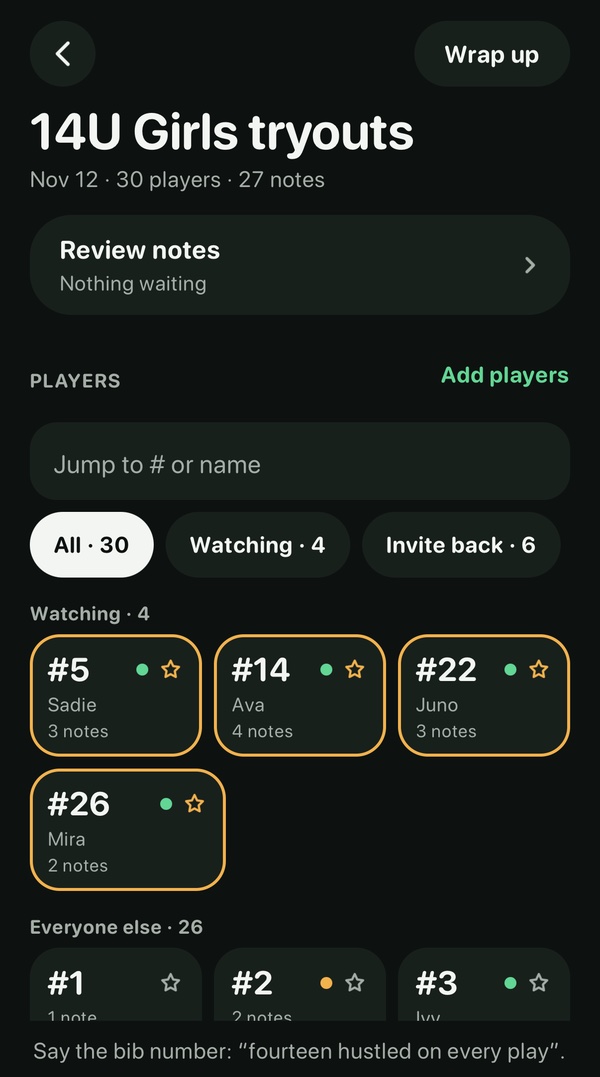
Say what you saw. It finds the right player.
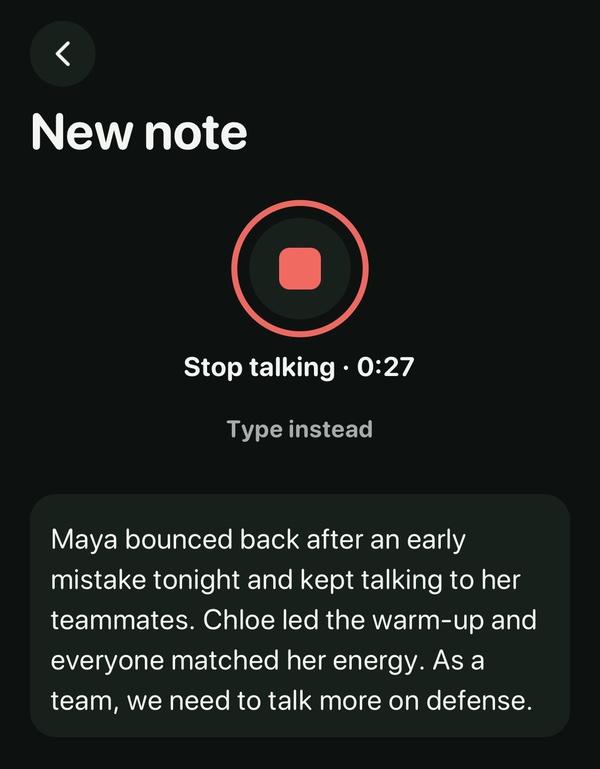
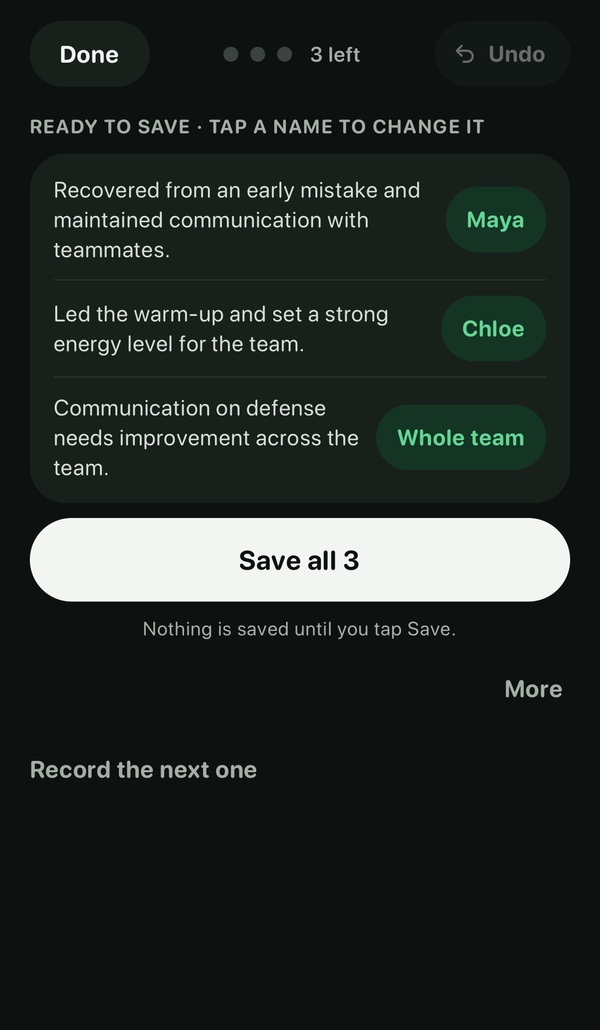
Talk the way you already do: first names, nicknames, numbers. Speech becomes text on your iPhone, and TeamArc never records or receives the audio. Anything TeamArc isn’t sure of waits for you.
For coaches
Here’s a season from the coach’s side of the app.
On your iPhone, tap “Team staff”, then “New coach? Start a team”. Then invite your families from the app. Rather set it up together? Email hello@getteamarc.com.
Or book a 20-minute call and we’ll do it together.
Coach screens on this site are shown in dark. Everyone picks their own look in Settings.
Talk the way you already do: first names, nicknames, numbers. Speech becomes text on your iPhone, and TeamArc never records or receives the audio. Anything TeamArc isn’t sure of waits for you.
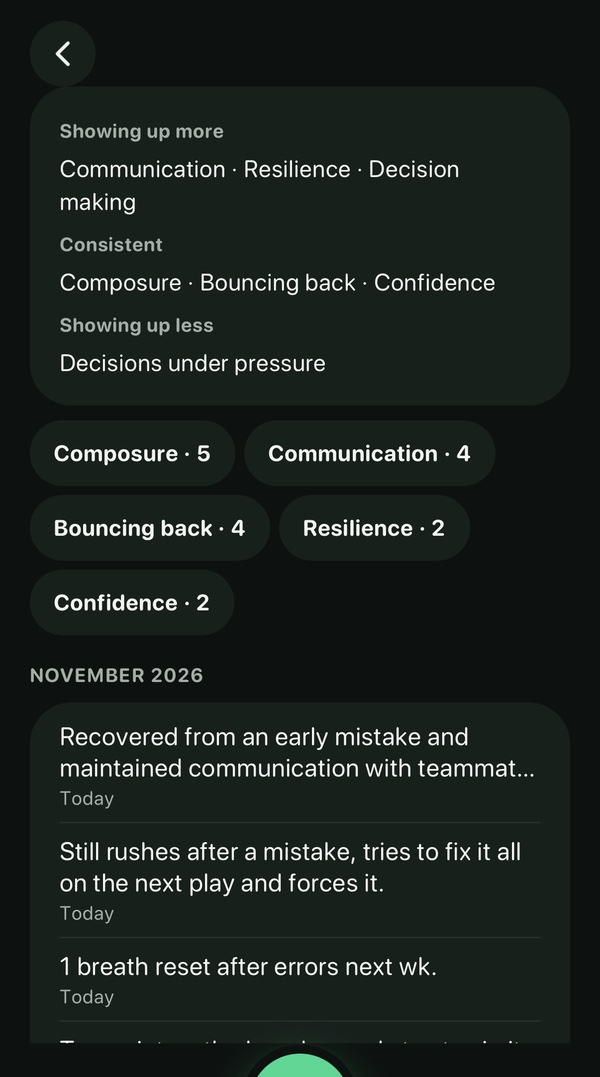
Open any player to see their notes over time, with a short summary to read before you talk with them.
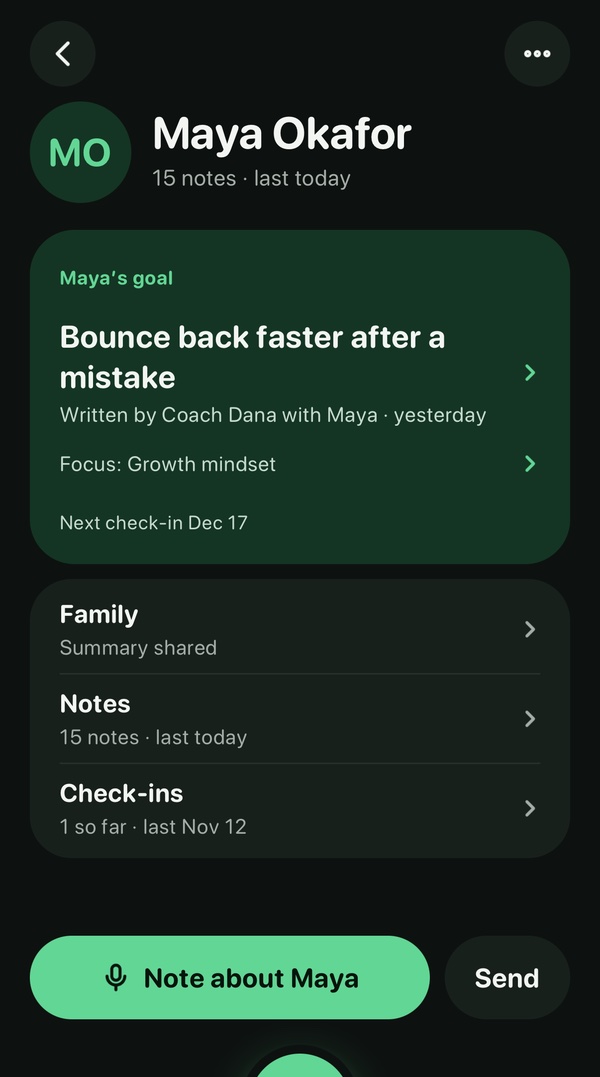
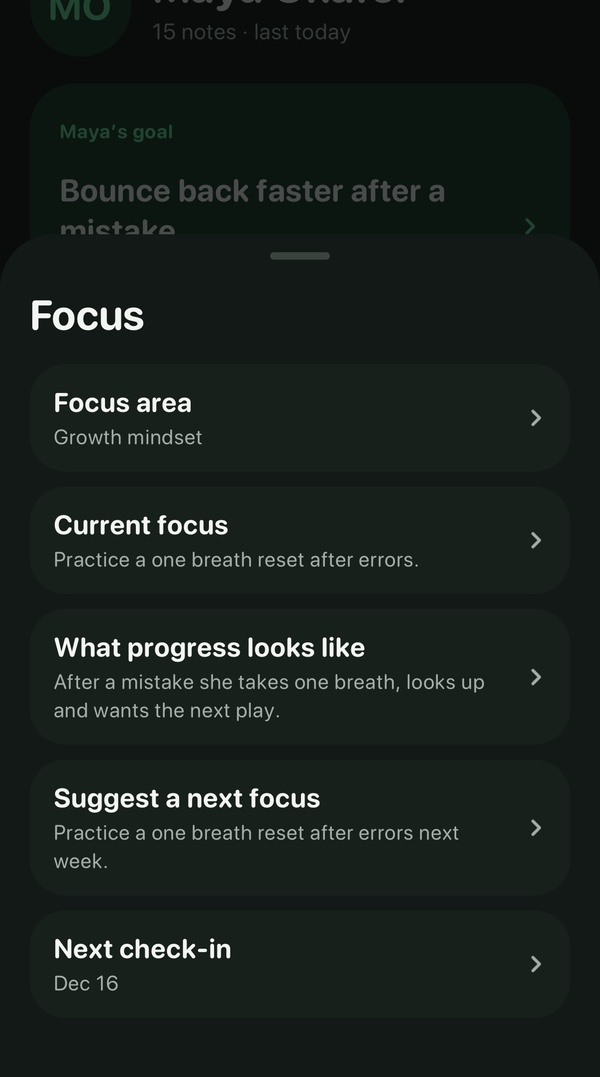
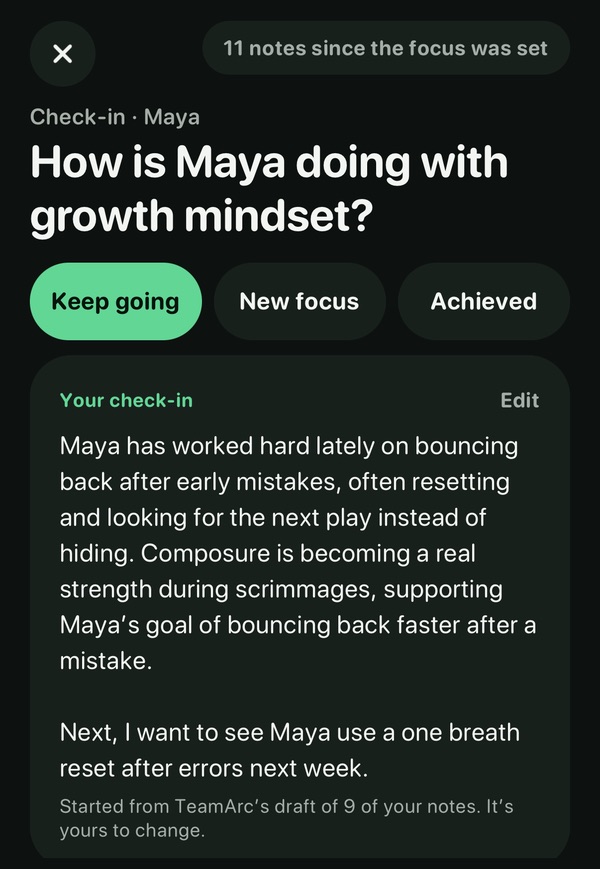
Set a focus and a goal. Every few weeks TeamArc drafts a check-in from what you’ve seen; you decide how it’s going and whether their family sees it.
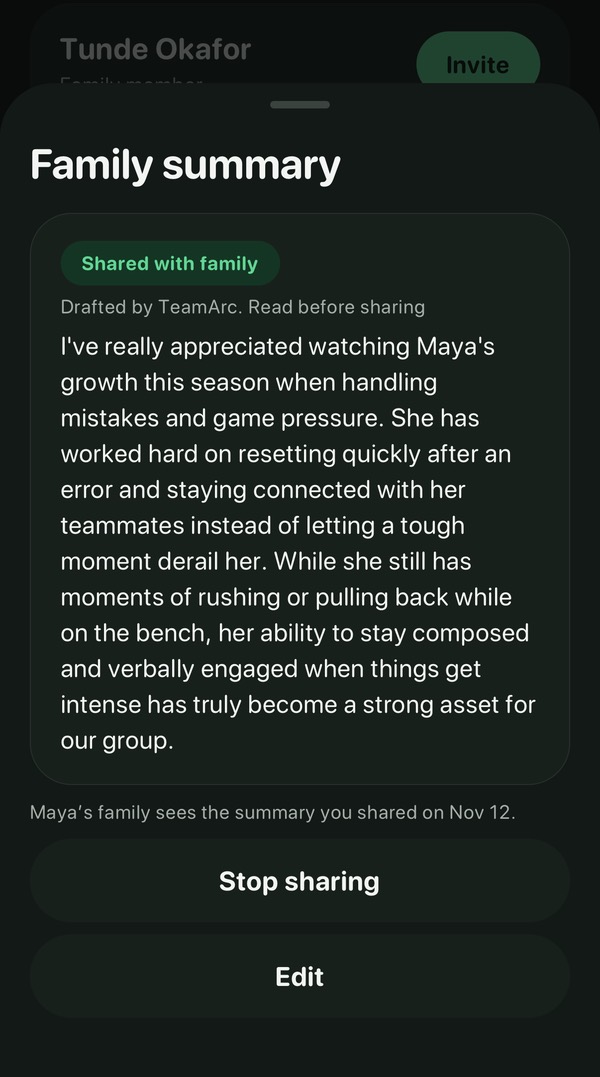
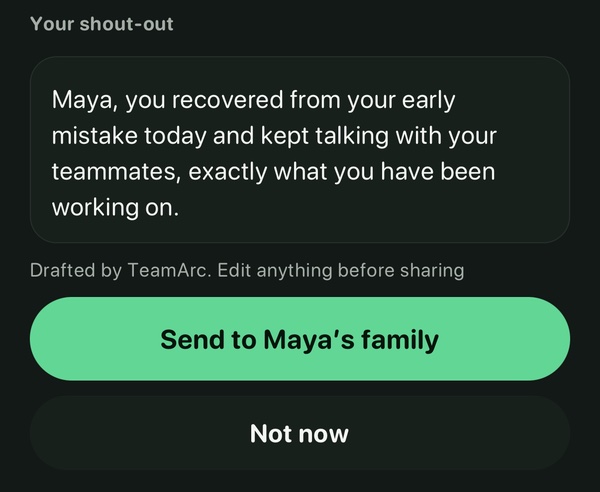
Write an update or a shout-out, or let TeamArc draft one from your notes. Nothing is shared until you send it, and you can edit or remove it later.
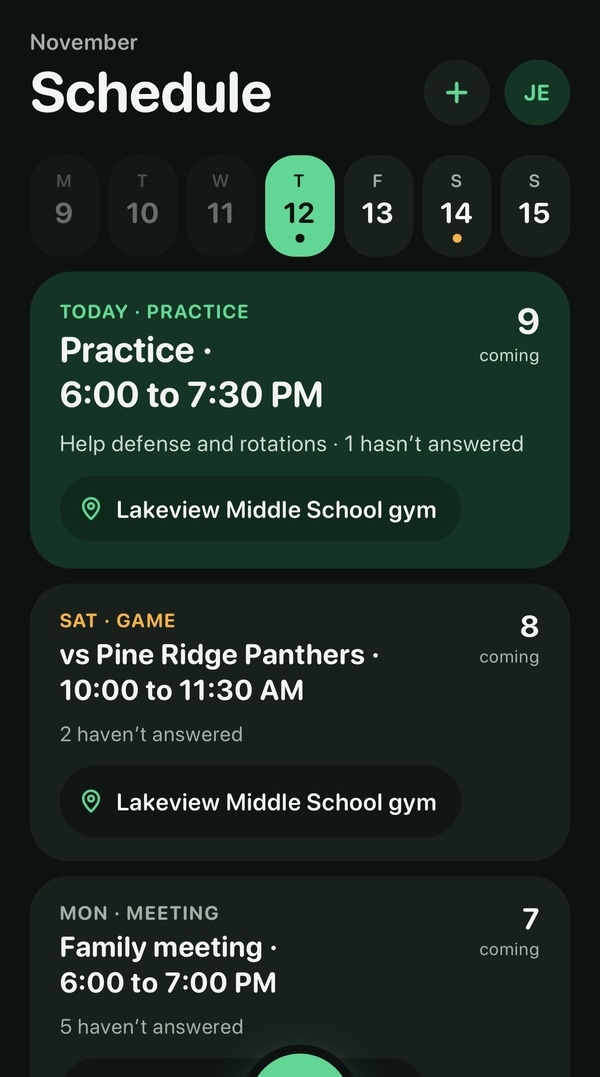
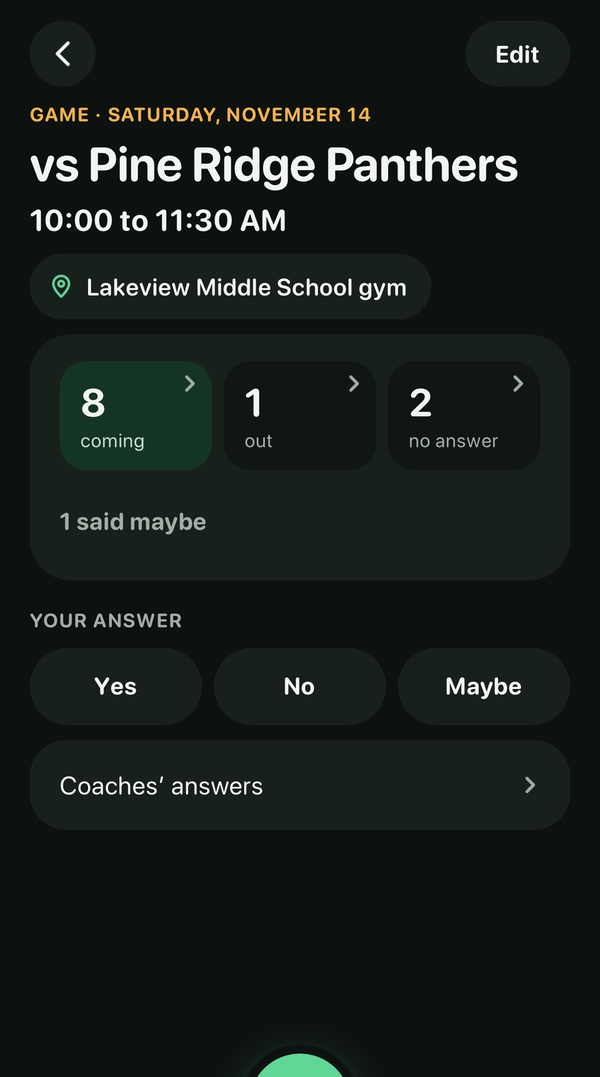
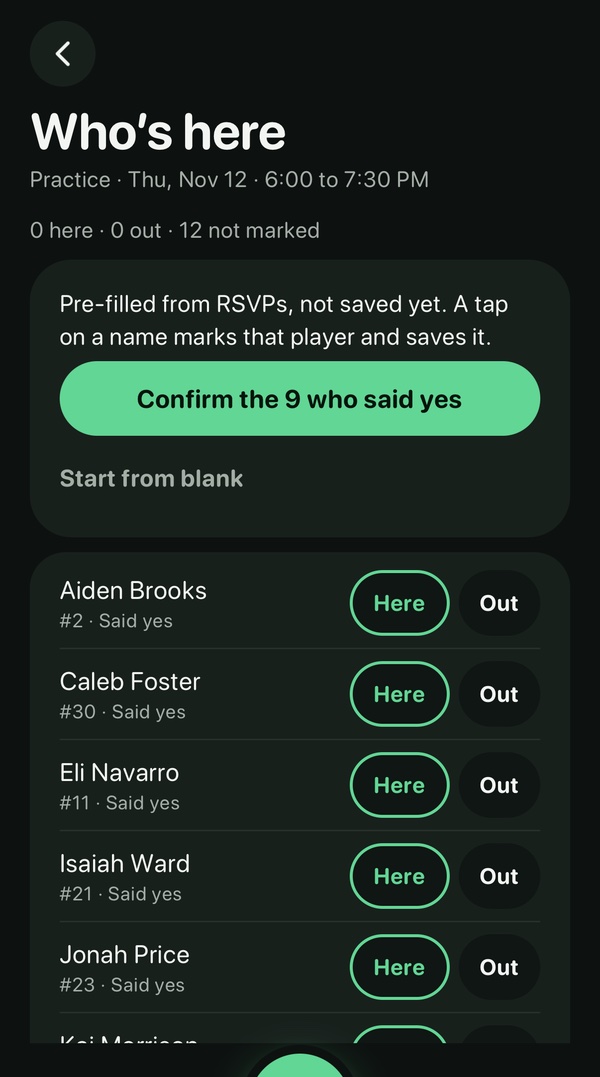
Add themed practices or paste a league or tournament calendar link. Families answer yes, no or maybe in the app. You see who’s still waiting, and “Who’s here” starts from the yeses. Announcements reach every family at once.
After a game, say what you noticed about the other team, the same way you capture any note, and send it to that opponent when you check it. Before your next game against them, it’s all in one place. Only your club’s coaches see it, and TeamArc asks you to refer to their players by number or position.
Opponent notes are in early access and turned on team by team. Ask us to turn them on for your team.
Record players by bib or name with the coaches helping you, then invite the players you want to your team. See tryouts (early access) →
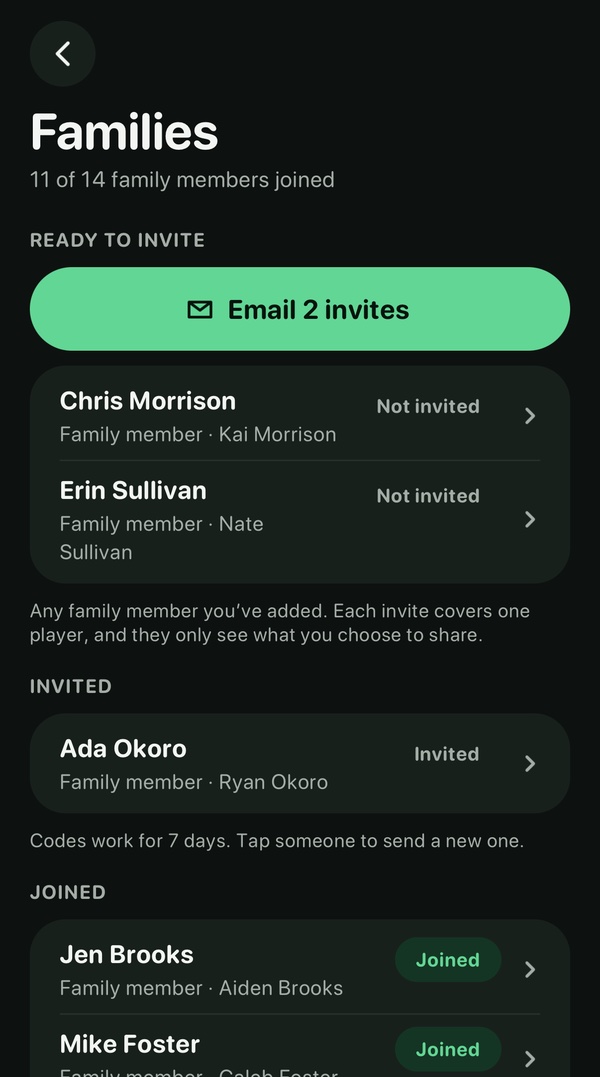
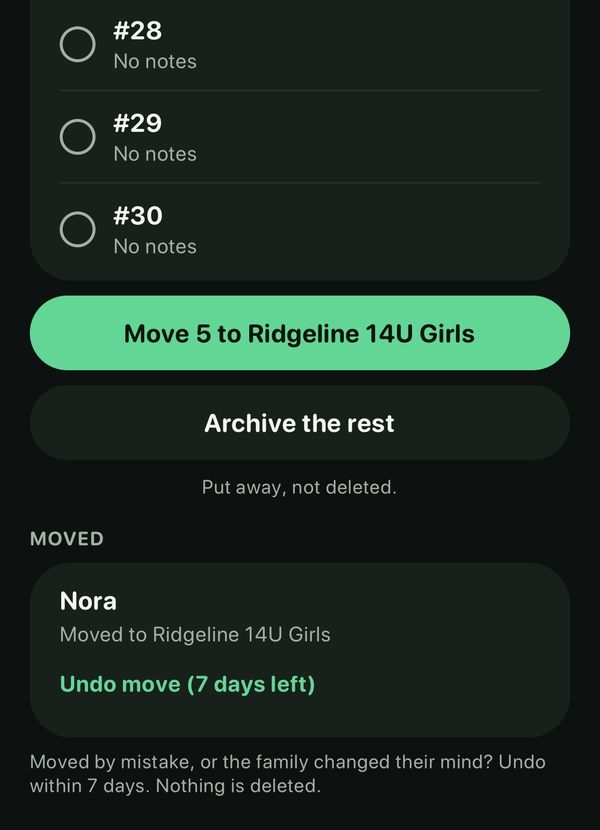
Bring in your roster, invite each player’s family by email or from your phone, and see who has joined. Players you move from a tryout bring their notes with them. Moved someone by mistake? Undo it within 7 days; nothing is deleted.
Download TeamArc, tap “Team staff”, then “New coach? Start a team”. Rather set it up together? Email hello@getteamarc.com.
Get it on the App Store →Your coach decides which app the team uses. Send them a short note about TeamArc.
Write to your coach →We’ll show you a season with a made-up team and put together an offer for your club.
See TeamArc for clubs →The note to your coach opens as an email, ready to edit. You add their address.
Rather talk it through first? Book a 20-minute call.
Kits for any sport, with or without TeamArc: a first practice plan, a tryout day checklist, an end-of-season note and more. See the coach kits →
Nothing Starts Over.